

Self-hosted · MIT licensed · Open sourceBETA
Game server management
built for operators.
AirLink runs on your hardware. The panel lives in your browser, the daemon runs on each node. Install takes minutes and runs indefinitely — you own every bit of it.
What AirLink does
Install on your own machines, manage game servers through a web interface. No third-party control, no usage limits, no lock-in.
Server Management
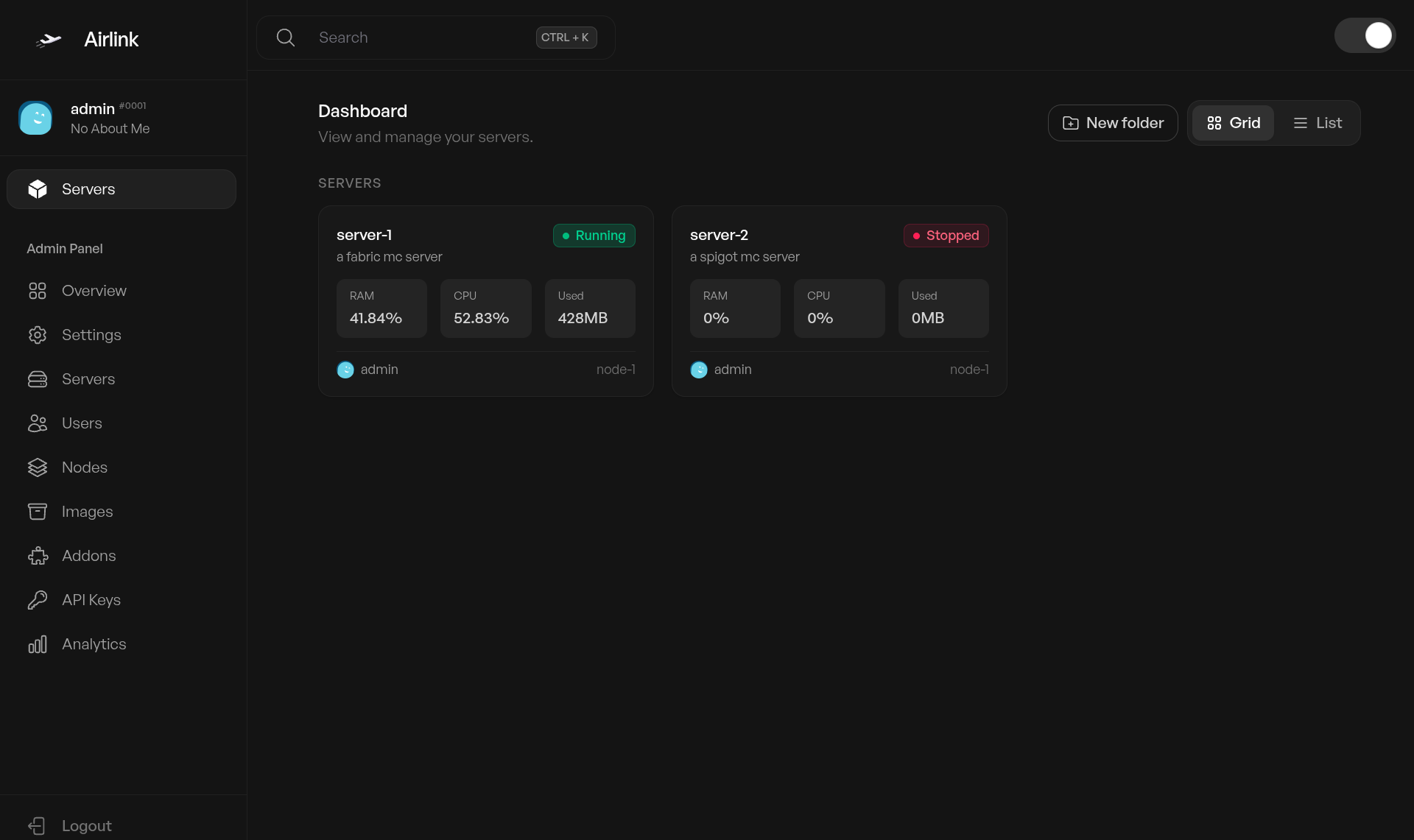
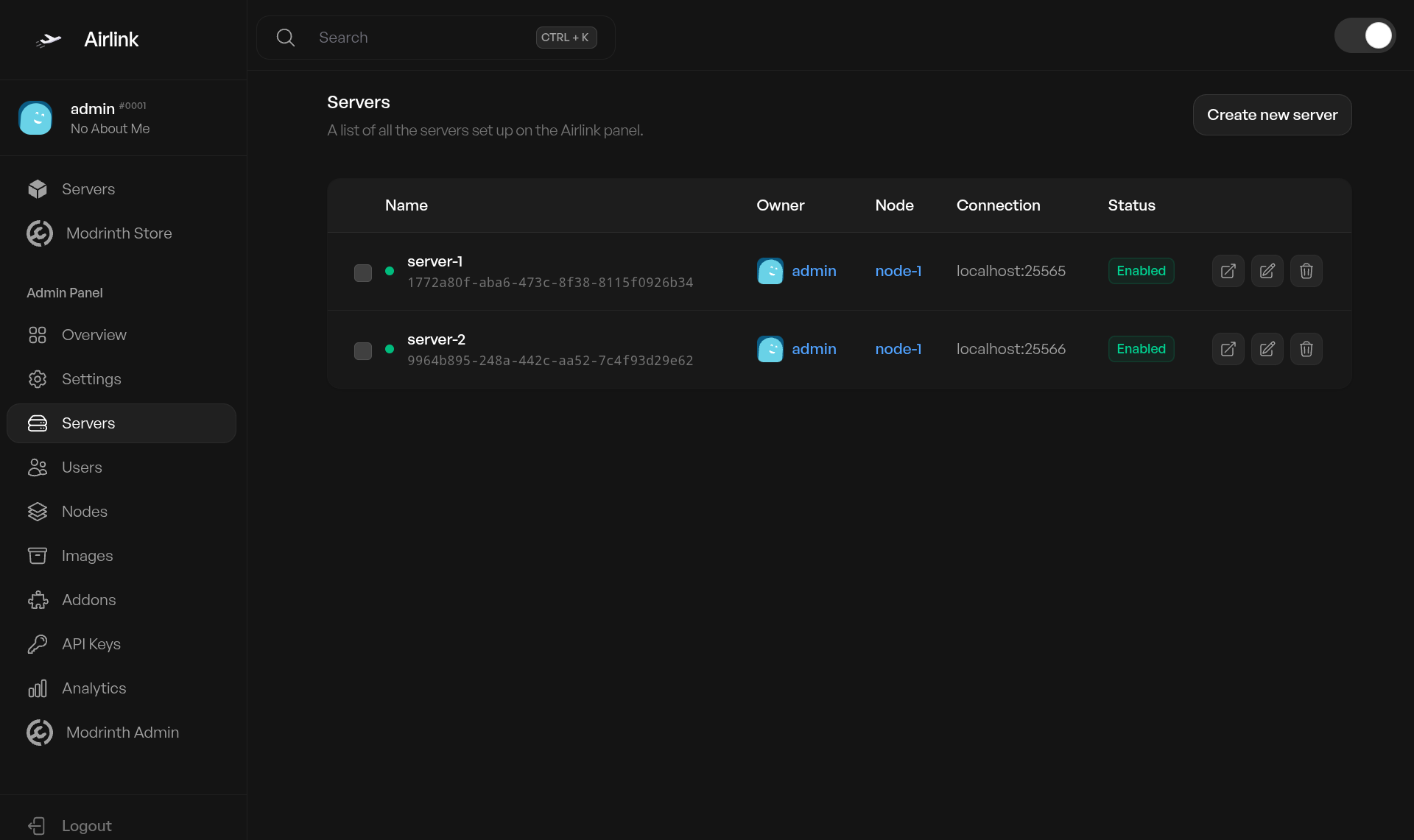
Create game servers with CPU, RAM, and disk limits. Start, stop, restart, and kill Docker containers in real time. Assign servers to specific nodes and users.
The admin dashboard shows every server across every node with owner, status, and live resource usage. One-click server creation from any configured image. Duplicate servers, migrate between nodes, and manage power states without touching the command line.
Console
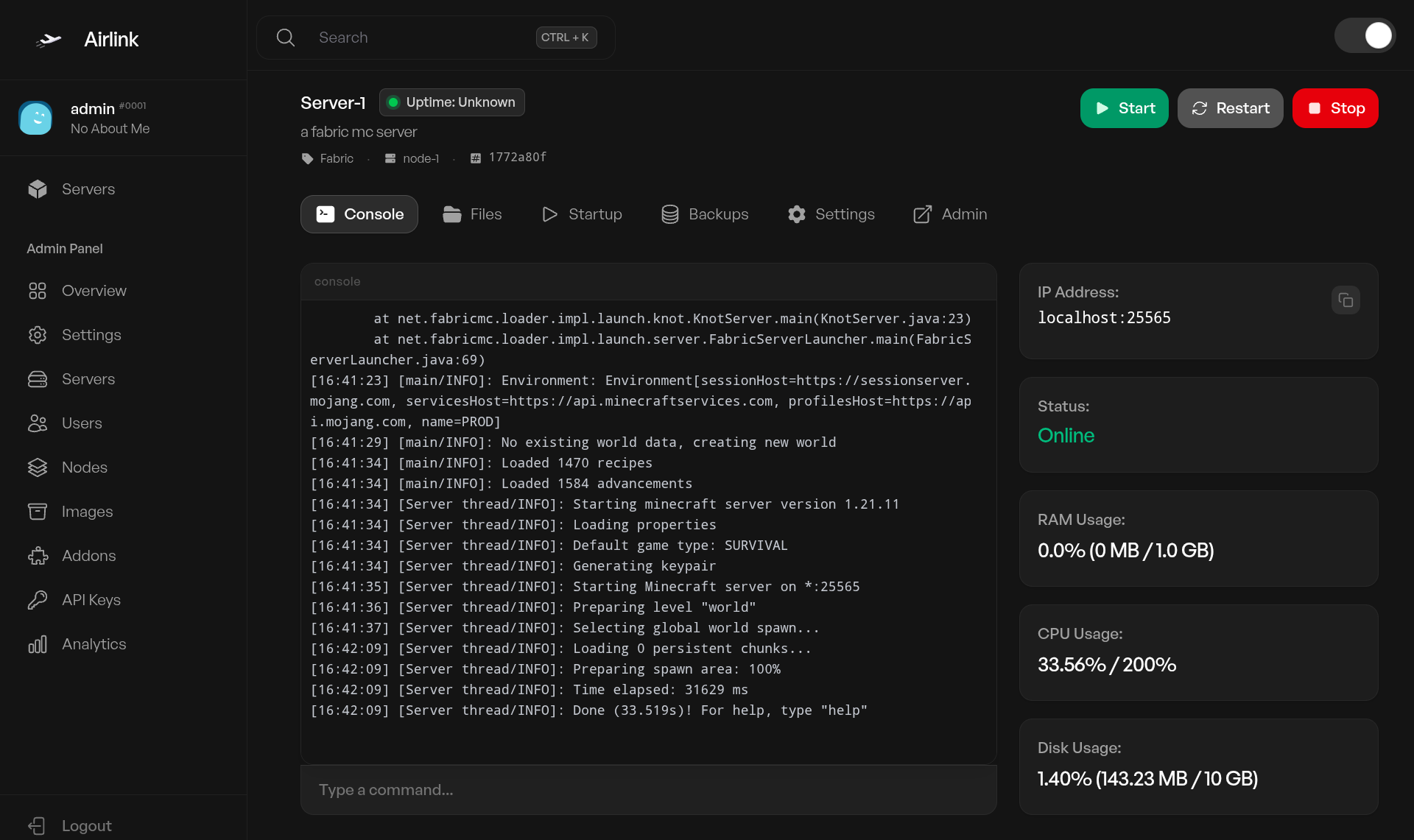
Live terminal output streamed over WebSockets. Send commands, view logs, and interact with running servers directly from the browser.
Full PTY support for interactive server consoles. Command history, auto-scroll, and copy-to-clipboard. No page refreshes — output appears as the server produces it.
File Manager
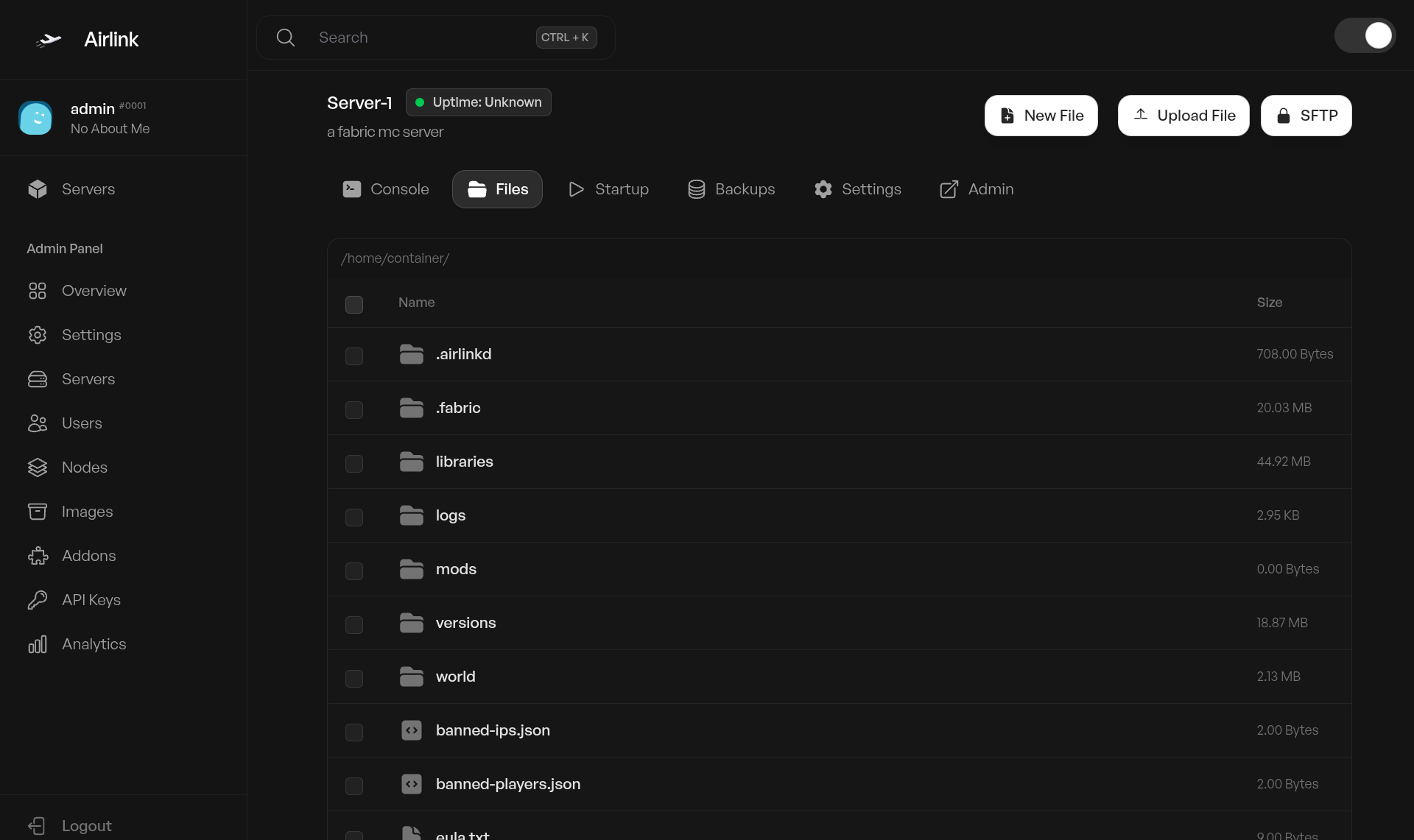
Browse, upload, download, edit, and delete server files. Inline code editor with syntax highlighting for config files and source code.
Full directory tree navigation with drag-and-drop uploads. Create folders, rename, move, and compress files. Edit configuration files in-browser without downloading or using external tools.
Multi-Node
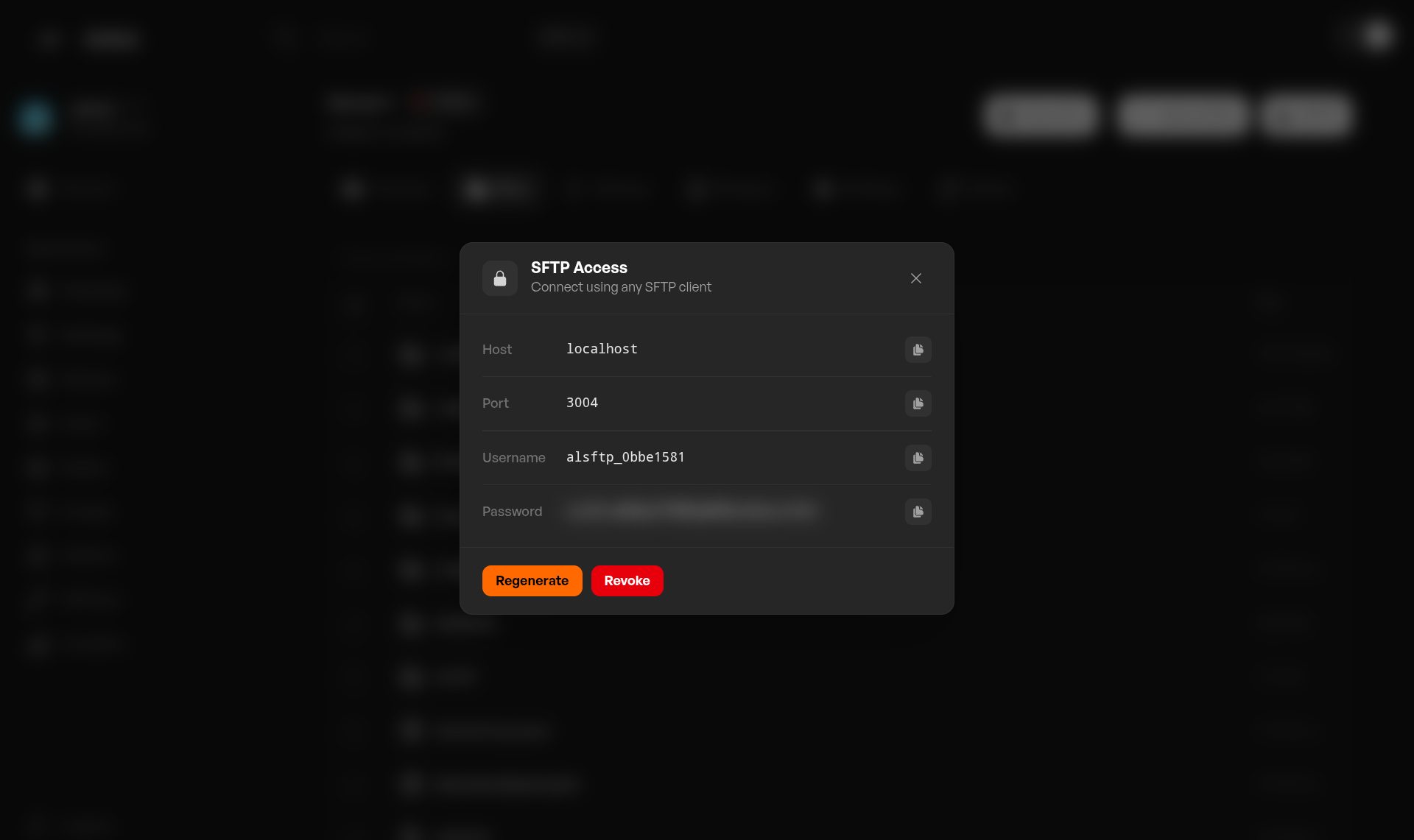
Add as many machines as you need. Each node runs its own daemon instance and reports resources back to the panel.
The panel distributes servers across nodes based on resource availability. One control plane, unlimited machines. Monitor node health, allocations, and connected servers from a single dashboard.
SFTP
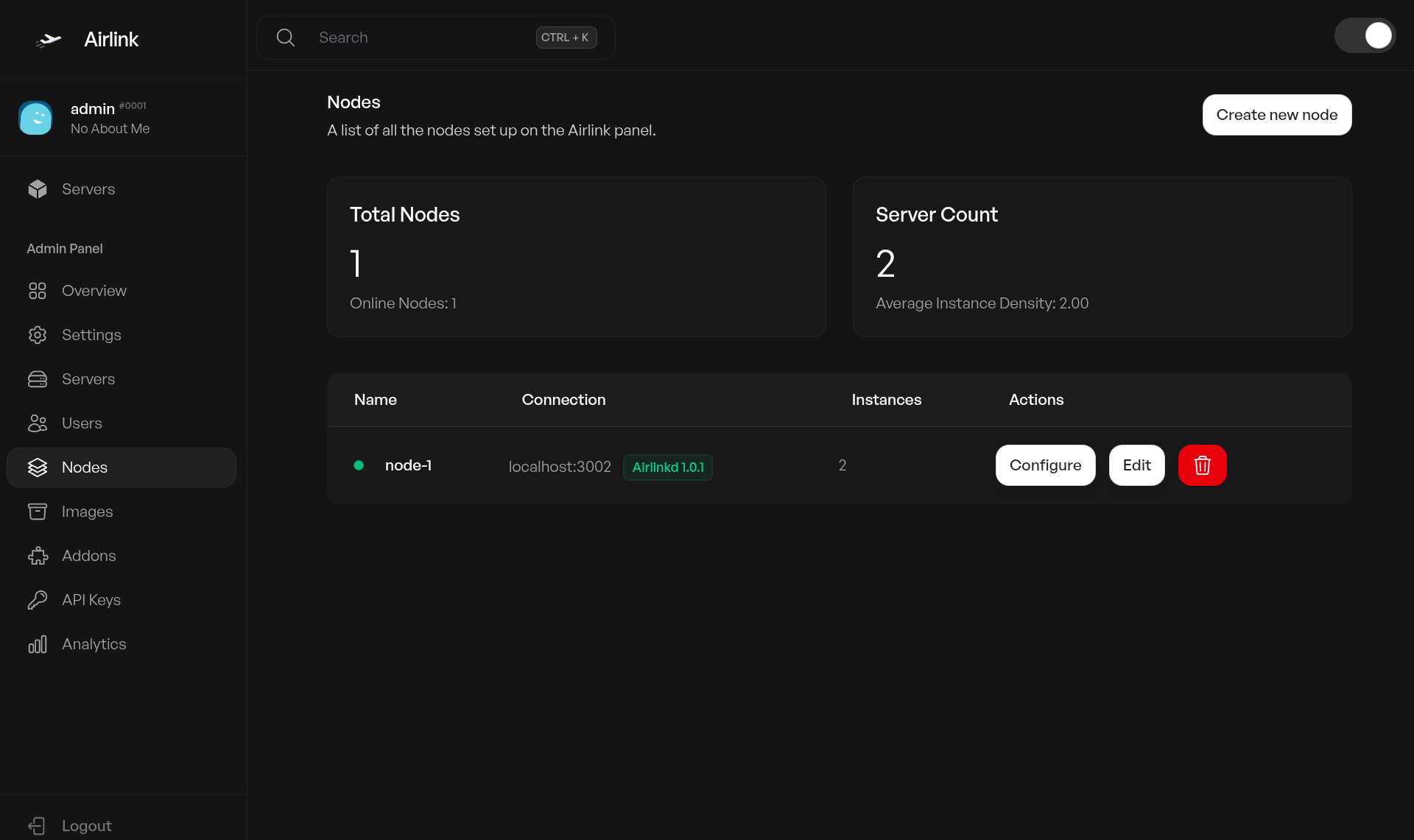
Built-in SFTP server on every node. No external FTP software needed — connect with any standard SFTP client.
Per-server SFTP access with sandboxed directories. Users authenticate through the panel with their existing credentials. Upload, download, and manage files over an encrypted connection without opening additional ports.
Docker Containers
Every server runs in an isolated Docker container with enforced resource limits. CPU, RAM, and disk quotas are configured per server.
Containers are ephemeral — recreate without data loss. Pull and manage Docker images from the panel. Set environment variables, start commands, and working directories without editing config files on disk.
User Management
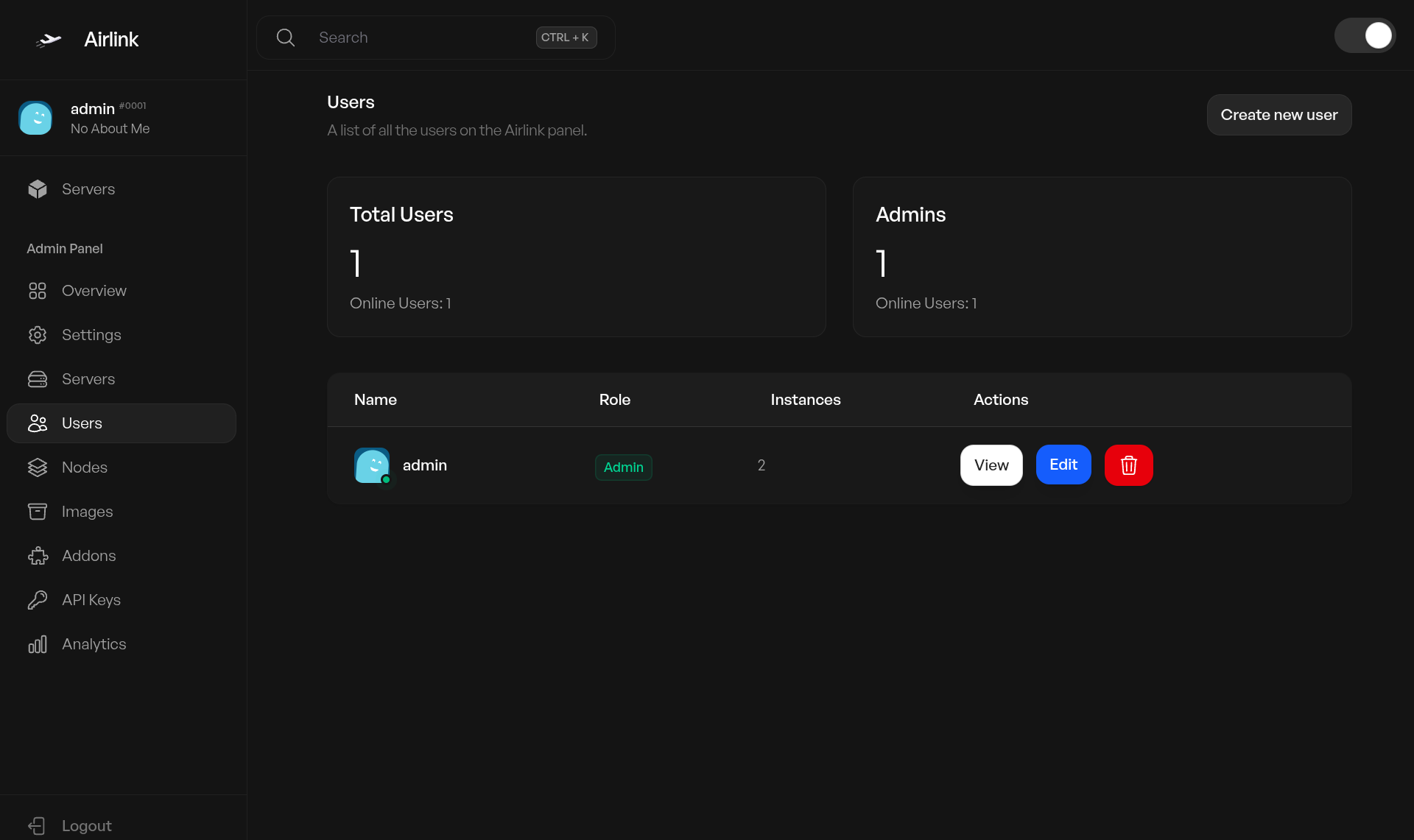
Granular permissions let you assign servers to specific users. Admin and regular user roles with sub-user access control for team management.
19 independent permissions per sub-user. Two-factor authentication for all accounts. API keys with scoped access for programmatic control. Invite users and manage their server assignments from the admin panel.
REST API
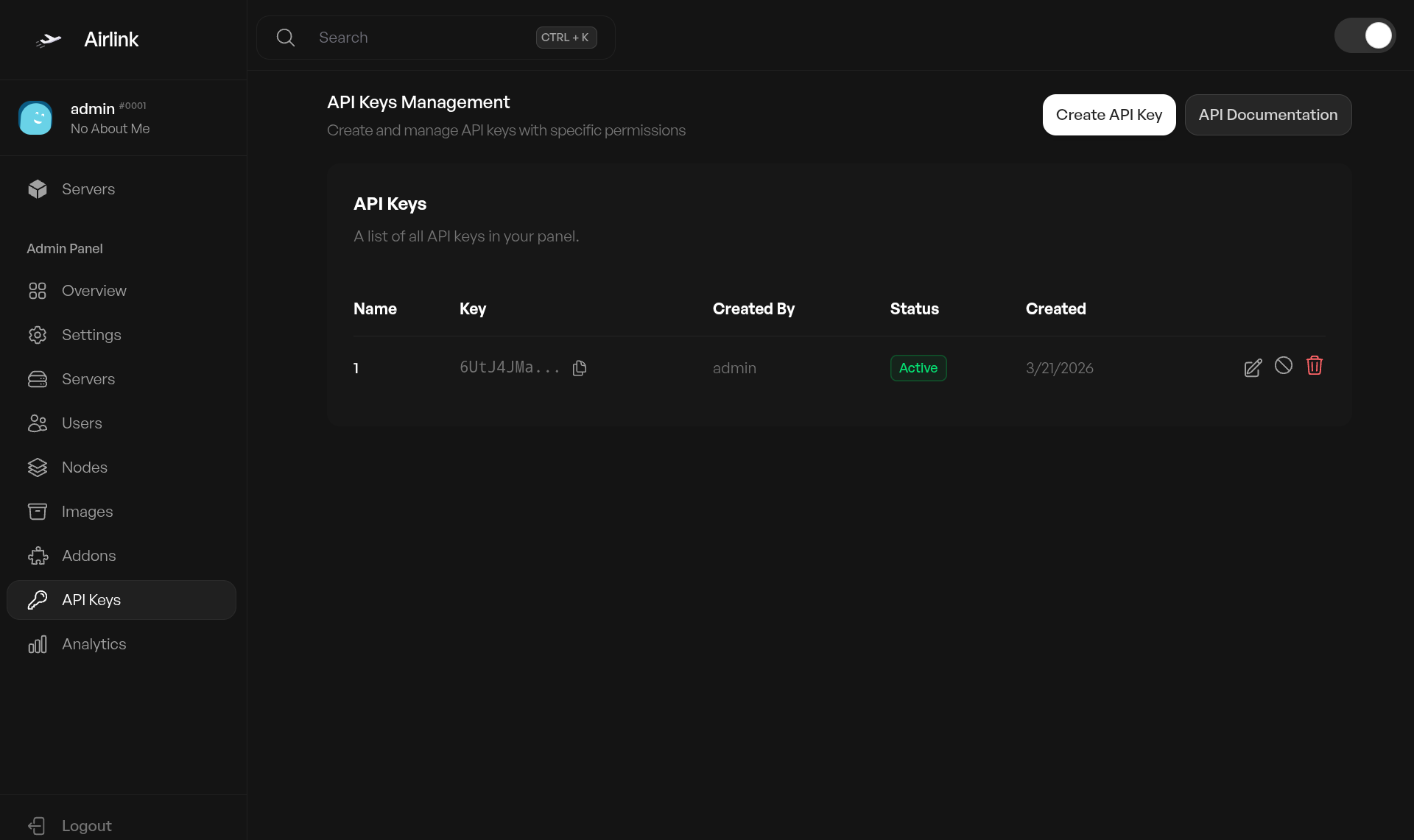
Full programmatic access to every panel feature. Build custom tools, dashboards, and integrations using the same API the frontend uses.
Token-based authentication with HMAC signing. Paginated responses for large datasets. Webhook support for server events like start, stop, and crash. OpenAPI spec available for code generation and client libraries.
Addons
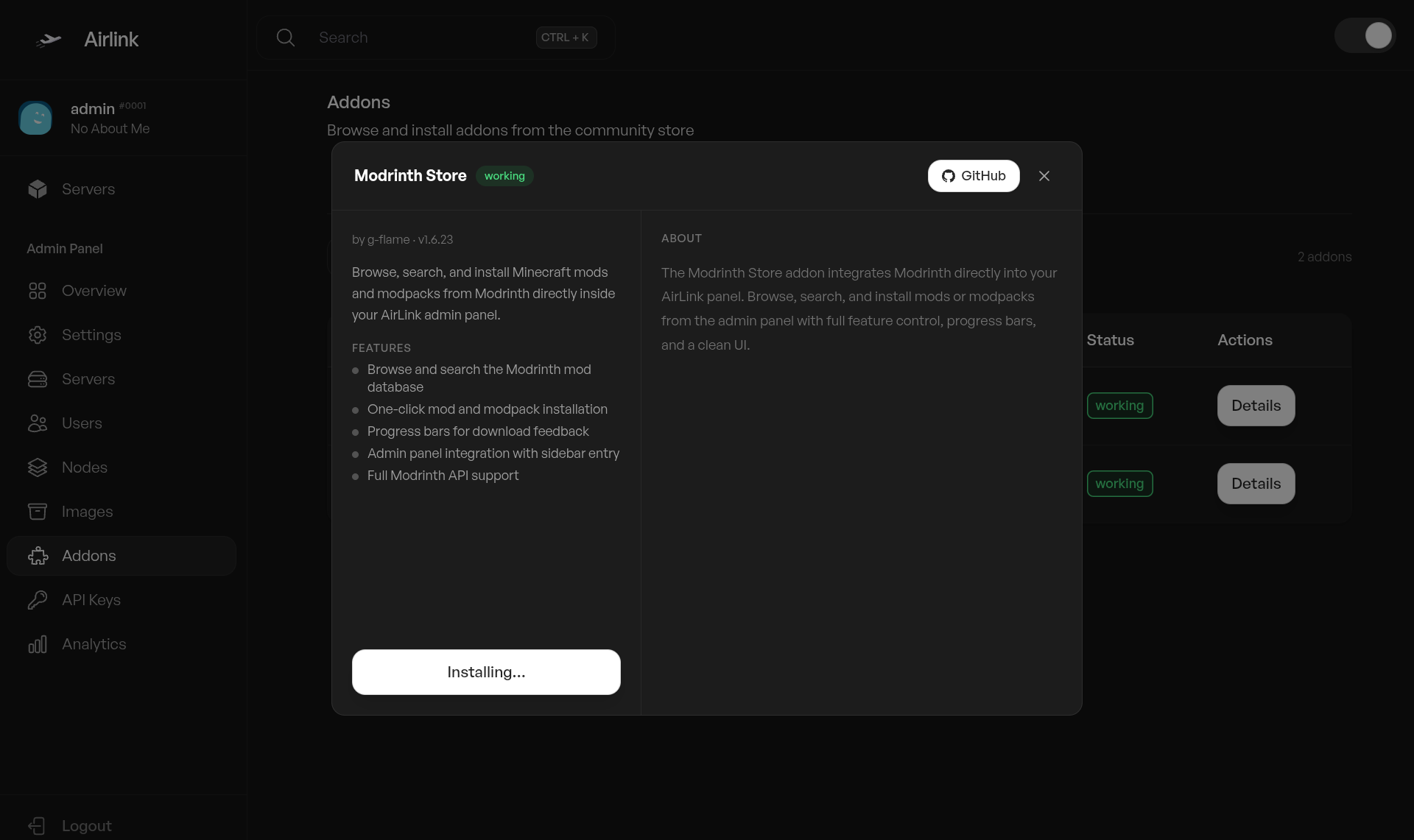
Community-built extensions that extend AirLink without modifying core code. Install from the addon marketplace or build your own.
Modrinth Store for Minecraft mods and modpacks, Parachute for Google Drive backups, and more. Addons run server-side with full API access. Create addons using the documented API — no forking required.
Add-ons
Extend AirLink with community addons.
Modrinth Store
v1.6.23Browse and install Minecraft mods and modpacks from Modrinth directly in the panel. Search, one-click install, real-time download progress.
Parachute
v1.0.0Google Drive backups for servers. OAuth connection per server, upload, download, restore. Optional encryption and per-server UUID isolation.
Build your own
Read the docsThe addon docs walk you through creating an addon from scratch. Includes a full tutorial and API reference.
Two repos, one system
Panel is the web interface. Daemon runs on each node and handles the real work. They talk over HMAC-signed HTTP, so one panel can talk to as many nodes as you need.

AirLink Panel
TypeScript, Express, Prisma, React. Manages servers, users, nodes, images, backups, addons, and the REST API. Includes the addon marketplace and Pterodactyl egg support.
AirLink Daemon
Runs on each node. Manages Docker containers, filesystem access, SFTP sessions, backups, and resource monitoring. Authenticates with HMAC-SHA256 and nonce-based replay protection.
Highly Unstable — Beta Software
AirLink is in early development. Expect breaking changes, incomplete features, and potential data loss. Not recommended for production use.
By continuing, you acknowledge this is pre-release software.
One command to install
Works on Ubuntu, Debian, Fedora, RHEL, Arch, and Alpine. The installer sets up Node.js, Docker, the panel, and daemon. An interactive TUI walks you through each step.
bash <(curl -s https://raw.githubusercontent.com/airlinklabs/panel/refs/heads/main/installer.sh)Install everything at once, or choose individual components. Run with--help to see options.
Contributors
18 people who have contributed across panel and daemon.
privt
Founder
Started AirLink. Handles project direction and infrastructure.

thavanish
Maintainer
Core panel and daemon development. Built the addon system and v2 architecture.

achul
Original maintainer
Set up the original architecture and infrastructure that AirLink runs on.


Recent changes
Commits across panel and daemon, sorted by date.